Discount flow: from 80% abandonment to 90% conversion
Redesigned EasyPark's discount application flow on 457,000 annual transactions with 80% abandonment. Two interventions: inverted the input hierarchy (text first, not camera scanner) with auto-apply, then added a proactive checkout prompt and embedded apply actions per card. iOS: 20% to 90% conversion, 32 seconds to 5. Android: task time improved 37%, conversion barely moved, an open problem, not a complete win.
- Mobility
- Fintech
Context
EasyPark operates ParkMobile in the US under the Arrive Group. The discount application flow processes 457,000 discounted transactions per year. At the start of this project, 80% of users who entered the discount flow abandoned before completing it. The problem wasn't that users lacked discounts, many had them. The interface was working against them.
Challenge
Two separate conversion problems at different points in the funnel. First: the input interface. Usage data showed 99% of users entered codes manually, but the interface led with a camera scanner, every user had to tap past it to reach a keyboard. The wrong primary action was costing task time on every attempt. Second: the discovery problem. Users were reaching checkout without remembering they had discounts at all. Fixing the input would improve task time for users already in the flow, but wouldn't move conversion if users weren't reaching the flow in the first place.
My role
Lead product designer on the discount flow. I owned the usage data analysis, the decision to split the problem into two separate interventions, and the design of both. I worked directly with iOS and Android engineering in the payments team.
What I changed
- Inverted the input hierarchy: text input became primary, camera scanner secondary. Added auto-apply, a valid code applies immediately on entry, with no separate confirmation step. This removed the most redundant interaction in the flow. Task time: 35s to 24s on Android, 32s to 5s on iOS.
- Addressed the discovery problem upstream. Added a dynamic prompt on the checkout screen showing 'You have 2 discounts available', surfacing discounts at the point of highest intent, before users bypassed the flow entirely. Replaced the disconnected Apply button with Apply actions embedded directly inside each discount card, so selection and confirmation became one gesture.
- Mapped all four distinct backend error types to specific error states with specific recovery actions. The previous implementation collapsed all failures into a generic 'invalid code' message. Users couldn't tell whether a code was expired, already used, not applicable to their session type, or genuinely invalid, so they gave up.
Outcome
iOS: purchase conversion 20% to 90%, task time 32s to 5s. Android: task time improved 37%, but conversion barely moved, stuck at 22% despite the same design and the same UI. Same architecture, same interface, different result. The bottleneck on Android shifted from friction to engagement: users see the Apply button but don't tap it. That's a platform-specific behaviour problem, not a UI problem, and it was an open diagnosis at the end of the engagement.
Mobile banking redesign for three user types
Led Rakbank's mobile banking redesign across three user types, retail customers, SME owners, relationship managers, using one shared token system.
One token layer, seven platforms
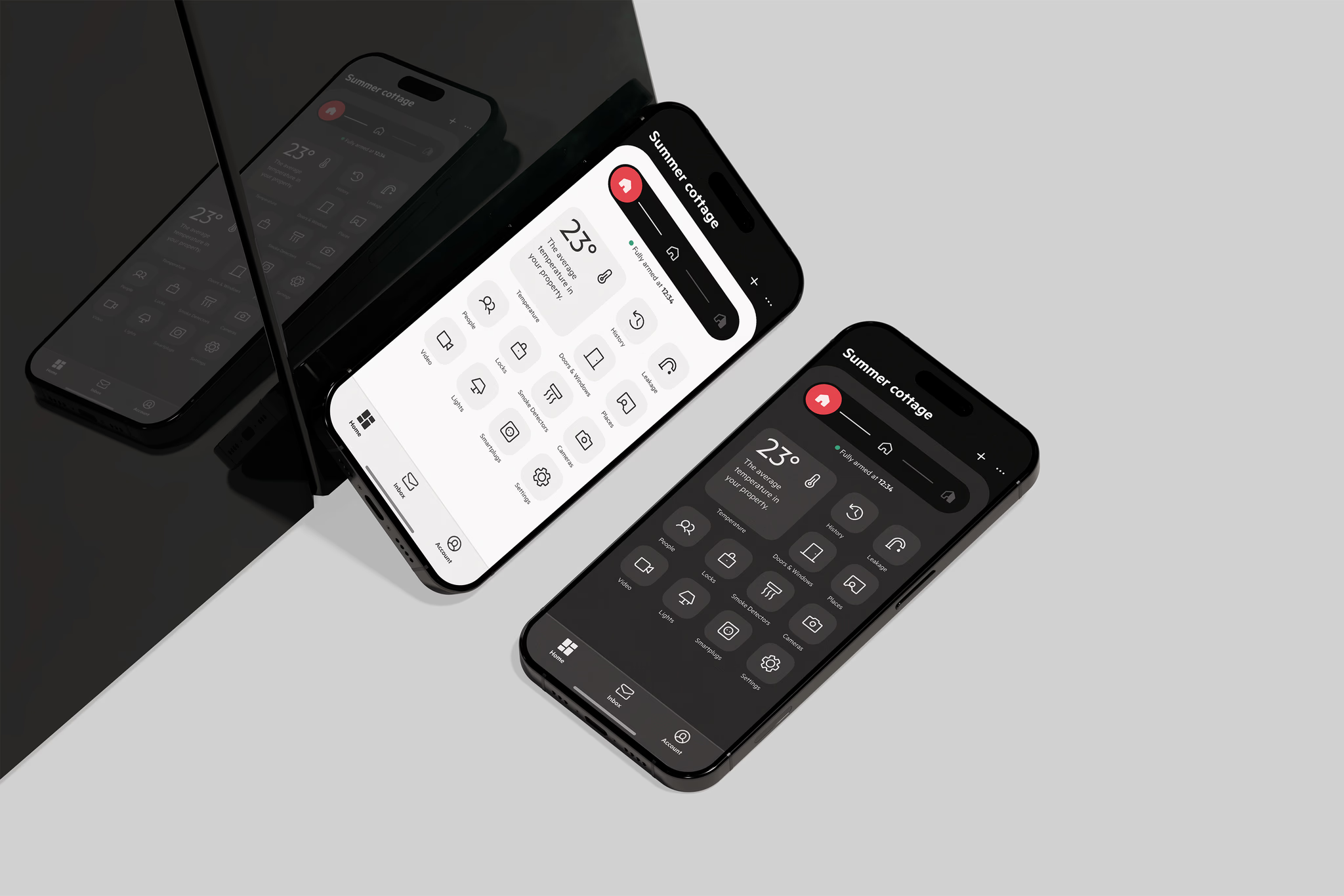
Led the Sector Alarm design system: one token layer serving 7 platforms simultaneously (iOS, Android, tablet, Apple Watch, Wear OS, web, desktop).
Have a product flow that feels harder to explain than it should?
Send me your product, MVP, deck, or prototype. I'll tell you where I'd start.